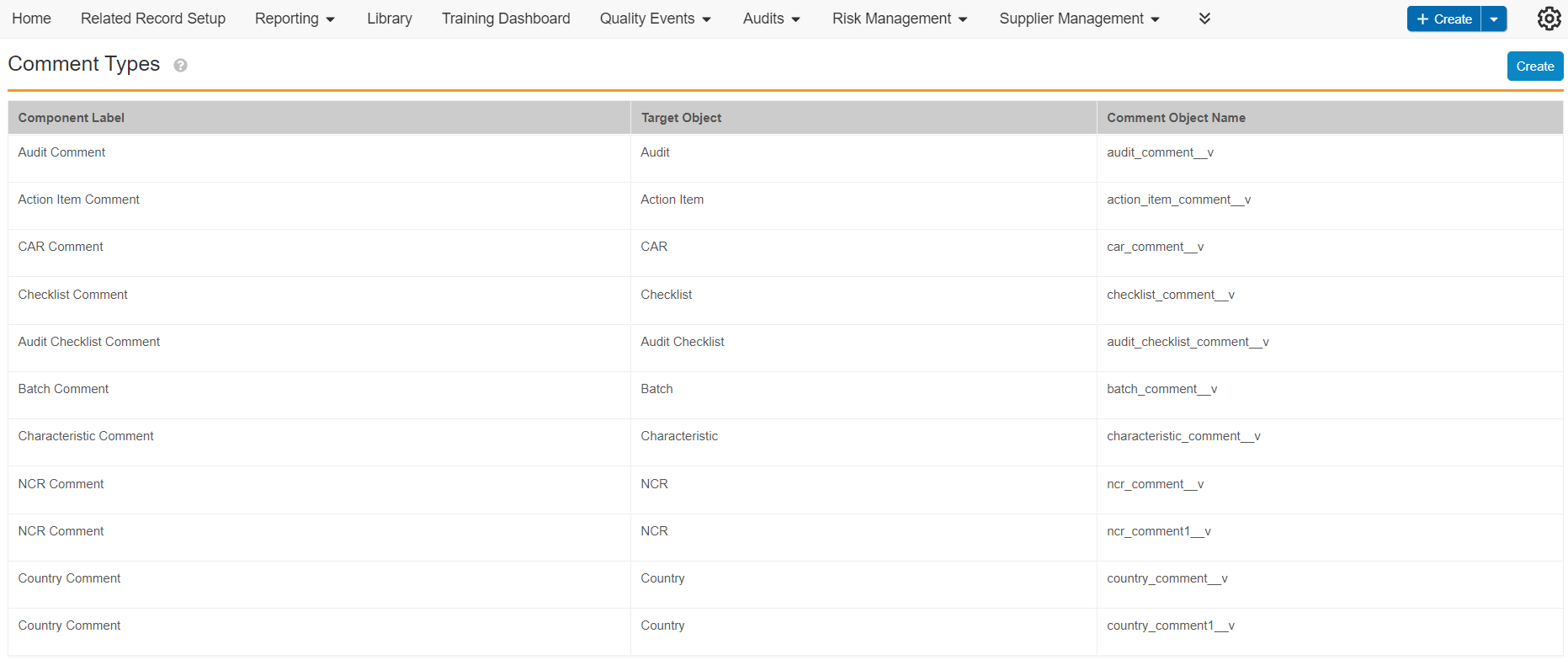
Note: Contact your Veeva Representative to enable this feature in your Vault.
### Creating Comment Types {#create-comment-types}
To create a comment type:
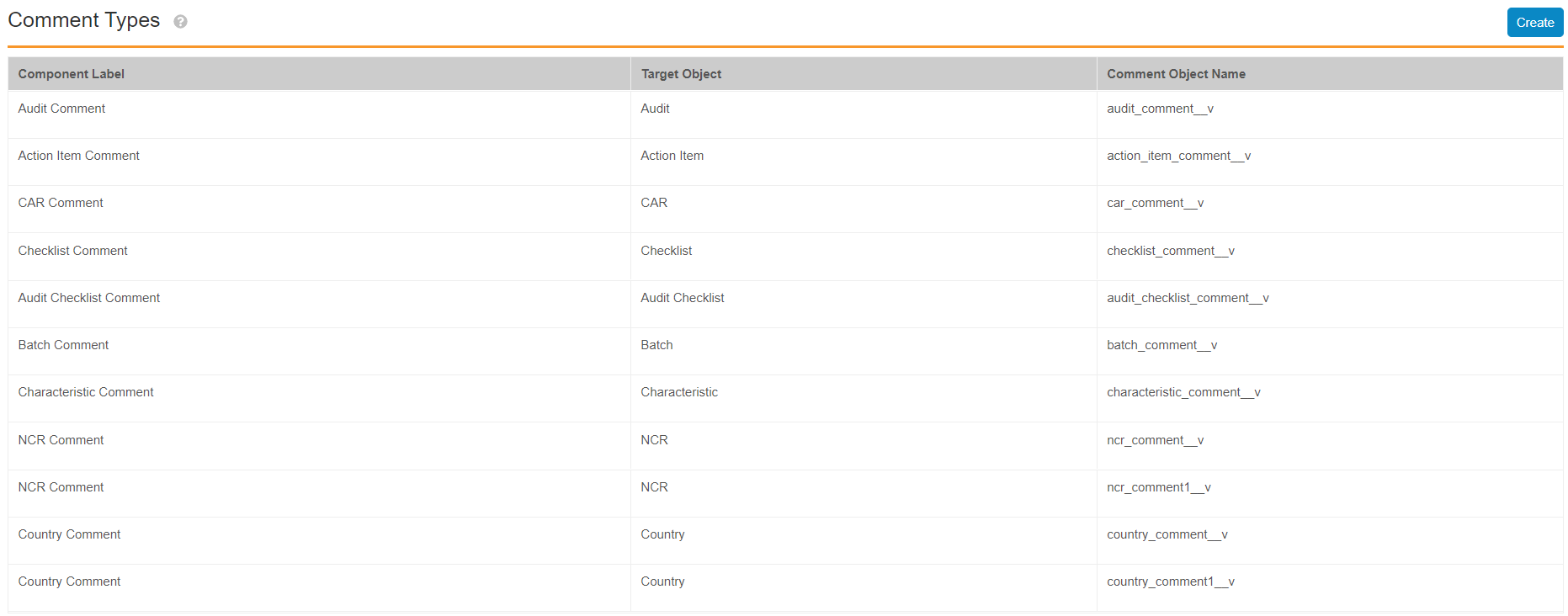
1. Navigate to **Admin > Configuration > Component Setup > Comment Setup**.
2. Click **Create**.
3. Select a **Target Object**.
4. Click **Continue**.
A message indicates the provisioning is in progress and sends a notification once the comment type is provisioned.
### Deleting Comment Types {#delete-comment-types}
Comment types can only be deleted if there are no existing comment object records for the comment type.
To delete a comment type:
1. Navigate to **Admin > Configuration > Component Setup > Comment Setup**.
2. In the appropriate comment type grid item, click **Delete** from the inline **Actions** menu.
3. Click **Continue**.
### Configuring Object Layouts {#layouts}
The layout for a _Comment Type_ object (for example, _Complaint Comment_ (`complaint_comment__v`) object, a provisioned target object) displays each comment record, whereas the target object displays the _Comment Type_ in the object detail record page as a _Related Object_ section, after configuring. Insert the _Comment_ control section into the _Comment Type_ object layout to allow user mentions in comment records, and to allow hiding and auto-filling of the _Organization_ field for External users.
After [creating a comment type][1], you need to update the following object layouts:
* For the _Comment Type_ object layout:
* **Detail Form Section**:
* Include the _Organization_ field.
* Insert the _Comment_ control section with the slider ( ) icon. This is critical to allow user mentions in comments. For example, if you provisioned comments on the _Complaint_ (`complaint__v`) object, navigate to the layout for the _Complaint Comments_ (`complaint_comment__v`) object.
* Remove the default _Comment_ field.
) icon. This is critical to allow user mentions in comments. For example, if you provisioned comments on the _Complaint_ (`complaint__v`) object, navigate to the layout for the _Complaint Comments_ (`complaint_comment__v`) object.
* Remove the default _Comment_ field.
 * For the target object layout:
* **Related Object Section**: Insert the _Comment Type_ object. For example, if you require comments on the _Complaint_ (`complaint__v`) object, navigate to the object layout for the _Complaint_ (`complaint__v`) object and insert _Complaint Comments_ (`complaint_comment__v`) as the related object.
## Limitations {#limitations}
The following limitations affect comment and user mention functionality:
* Users must mention at least one (1) other user in a comment record.
* Comments functionality can be provisioned to all QualityOne QMS objects except objects that are inactive, locked, child, or are already comment objects.
## Configuring User Permissions {#user-permissions}
You must ensure users have the appropriate read and create permissions to access the appropriate objects and object fields in addition to the permissions outlined below:
You must ensure Internal and External users have the appropriate permissions to access the appropriate _Comment Type_ objects, target objects, target object types, and target object fields. The _Organization_ field in the user profile must have an organization value to indicate the user type. To be able to mention a user, the user creating the mention must have _Read_ permissions configured for _Comment Type_ object and the target object required.
## Related Permissions {#permissions}
You can complete all the steps in this article with the standard _System Administrator_ or _Vault Owner_ security profile. If your Vault uses custom security profiles, your profile must grant the following permissions:
* For the target object layout:
* **Related Object Section**: Insert the _Comment Type_ object. For example, if you require comments on the _Complaint_ (`complaint__v`) object, navigate to the object layout for the _Complaint_ (`complaint__v`) object and insert _Complaint Comments_ (`complaint_comment__v`) as the related object.
## Limitations {#limitations}
The following limitations affect comment and user mention functionality:
* Users must mention at least one (1) other user in a comment record.
* Comments functionality can be provisioned to all QualityOne QMS objects except objects that are inactive, locked, child, or are already comment objects.
## Configuring User Permissions {#user-permissions}
You must ensure users have the appropriate read and create permissions to access the appropriate objects and object fields in addition to the permissions outlined below:
You must ensure Internal and External users have the appropriate permissions to access the appropriate _Comment Type_ objects, target objects, target object types, and target object fields. The _Organization_ field in the user profile must have an organization value to indicate the user type. To be able to mention a user, the user creating the mention must have _Read_ permissions configured for _Comment Type_ object and the target object required.
## Related Permissions {#permissions}
You can complete all the steps in this article with the standard _System Administrator_ or _Vault Owner_ security profile. If your Vault uses custom security profiles, your profile must grant the following permissions:
| Type | Permission | Controls |
|---|---|---|
| Security Profile | Objects: Organization: Read | Ability to view Organizations. |
| Security Profile | Objects: [Target Object Comment]: Read, Create, Edit, Delete |
Ability to make changes to target object comment objects. You must create a comment type before completing this action. |
| Security Profile | Objects: [Target Object]: Create, Edit, Read | Ability to create, modify, and view new Vault target objects. |